
Easy, Secure Single Sign-on
Create a Google account for your business.
Stop having to remember a myriad of passwords. Use a trusted login method.
Tell People
About Your Service or Product
Pictures speak louder than words.
No-one knows what you are doing unless you tell them.
Communicate Seamlessly with Your Prospects and Clients
Having a unique web page for each of your services makes you look professional.
Your First Marketing Platform
Quick, on-the-go place to share the adverts and collateral you have created with people you know.
Now Start Looking for Prospects
Lots of details about potential clients available on Google Maps.
Create a Place for Prospects to Give You Their Details
Collect data through online forms. Additionally, ideal for accepting online payments.
Simple Business Contact Form
Create a simple, fully synchronised form, using a template, to allow your prospects and clients to quickly communicate with you.
Contacts Database remembers everything
A platform that helps businesses grow faster by focusing on contacts (customers, suppliers and organisations) and connecting marketing, sales, and service.
Sync Data Collected to Contacts Database
Data collected via your online forms, automatically updates your contacts database.
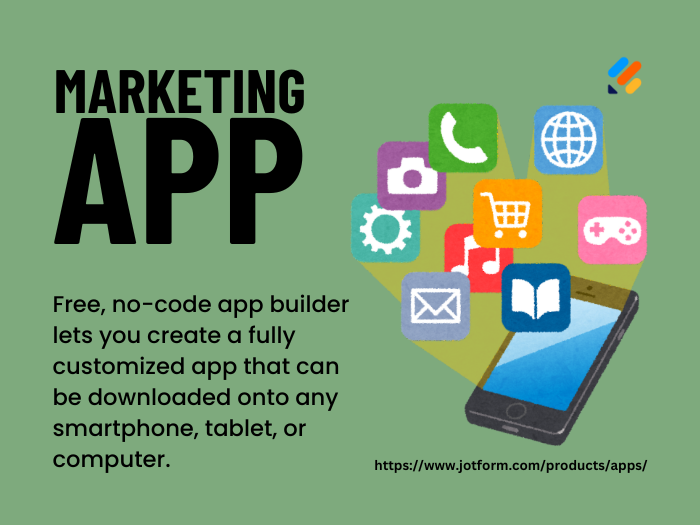
Create a Marketing App
Free, no-code, drag-and-drop, app builder lets you create a fully customized app that can be downloaded onto any smartphone, tablet, or computer.
Online Payment Gateway
Notifies your ecommerce platform once the payment has been completed successfully so you can deliver the product to your customer.
Sync Data Collected to Payment Gateway
Data collected via your online forms, automatically updates your payment gateway.
Task and Project Management
An all-in-one productivity platform that works as an ideal place for teams to come together, brainstorm, plan, and collaborate on everything.
Sync Data Collected to Tasks
Data collected via your online forms, automatically updates your tasks.
Sync Tasks to Calendar
Automatically adding a calendar entry from your tasks keeps the work in sight.
People Management
Simplify everyday work with deskless teams.
Keep them connected, so you can focus on growing your business.